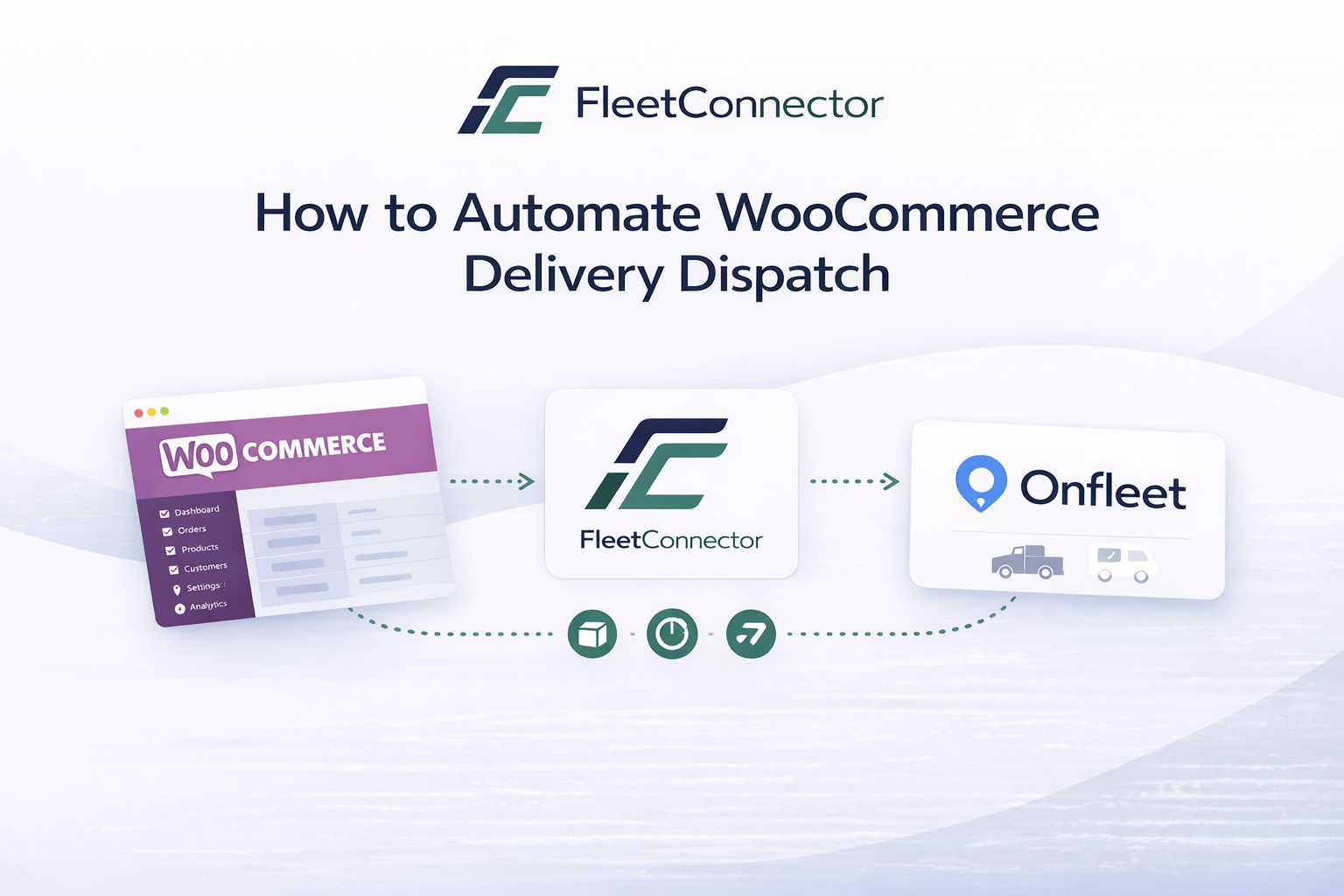
If you run a WooCommerce store with your own delivery fleet, you know the drill: every new order means copying addresses, assigning drivers, and hoping nothing falls through the cracks. In this guide, we break down exactly how to eliminate manual dispatch and automate the entire flow from checkout to delivery.
The problem with manual delivery dispatch
Most WooCommerce store owners start the same way: a customer places an order, someone on the team opens the order details, copies the delivery address, and manually creates a task in their delivery platform. It works when you ship five orders a day. It breaks when you ship fifty.
The real cost of manual dispatch is not just the time spent copying data. It is the errors that creep in: a wrong postal code, a missed apartment number, a delivery that never gets created because someone was busy. Each mistake costs you a failed delivery, an unhappy customer, and often a refund.
The numbers speak for themselves
Studies show that manual data entry has an average error rate of 1-4%. For a store processing 30 deliveries per day, that means up to one failed delivery every single day — adding up to 30 per month.
Three approaches to automation
There are fundamentally three ways to connect WooCommerce to a delivery management platform. Each has its trade-offs.
1. General automation tools (Zapier, Make)
Tools like Zapier and Make let you create workflows that trigger when a new WooCommerce order arrives. They are flexible and support hundreds of apps. The downside: they charge per task, have limited error handling, and break when field mappings change. For a store doing 500 orders per month through Zapier, you are looking at $50-100/month just for the automation — and that does not include the time you spend fixing broken Zaps.
2. Custom API development
If you have a developer on your team, you could build a custom integration using the APIs of both WooCommerce and your delivery platform. This gives you full control, but it is expensive to build ($2,000-10,000+), requires ongoing maintenance, and takes weeks to get right. For most small to mid-sized stores, this is overkill.
3. Native WordPress plugins
A purpose-built WordPress plugin sits inside your WooCommerce admin, understands your order data natively, and syncs directly to your delivery platform. No per-task fees, no external dashboards, no broken automations. You install it, configure your API keys, and it works.
Our recommendation
For most WooCommerce stores, a native plugin offers the best balance of reliability, cost, and ease of use. It is the approach we built FleetConnector around.
What to look for in a delivery dispatch plugin
Not all plugins are created equal. Whether you choose FleetConnector or another solution, here are the features that matter most:
- Automatic order sync: Orders should flow to your delivery platform the moment they are placed, without any manual intervention. Look for real-time webhook-based sync, not scheduled polling.
- Bulk dispatch: When you have a batch of orders from overnight or a sale event, you need to dispatch them all at once. One-by-one is not an option at scale.
- Error handling and retry: API calls fail. Addresses are invalid. A good plugin lets you see what failed and retry with one click, right from your WordPress dashboard.
- Flat pricing: Avoid per-order or per-task fees. Your costs should not grow linearly with your order volume. A flat annual fee is ideal.
- WooCommerce HPOS support: WooCommerce is moving to High-Performance Order Storage. Make sure your plugin supports it — otherwise it will break when you upgrade.
Stop dispatching manually. Automate it.
FleetConnector syncs WooCommerce orders to your delivery platform automatically. Install in WordPress, configure in 10 minutes. €199/year, 14-day money-back guarantee.
Step-by-step: Setting up automated dispatch with FleetConnector
Here is exactly how to go from manual dispatch to fully automated in about 10 minutes.
Step 1: Install the plugin
Download FleetConnector from your account, upload it to your WordPress site via Plugins > Add New > Upload Plugin, and activate it. The plugin appears in your WordPress sidebar immediately.
Step 2: Connect your delivery platform
Go to the FleetConnector settings page and enter your delivery platform API key. We currently support Onfleet, Spoke (Circuit for Teams), and Detrack. The plugin validates your key instantly so you know the connection works.
Step 3: Configure your dispatch rules
Choose whether to auto-dispatch on specific order statuses (e.g., "Processing"), filter by shipping method, or dispatch manually. Most stores set it to auto-dispatch on "Processing" and never touch it again.
Step 4: Place a test order
Create a test order in WooCommerce and check your delivery platform. You should see the task appear within seconds, with the correct address, customer name, and order details. If something is off, the FleetConnector dashboard shows you exactly what happened and lets you retry.
Real results: What automation looks like in practice
Here is what changes when you automate your delivery dispatch:
Instead of spending 2-3 minutes per order on manual dispatch, your team can focus on customer service, quality control, and growing the business. For a store doing 30 deliveries per day, that is 60-90 minutes saved every single day.
Choosing the right delivery platform
FleetConnector currently supports three delivery management platforms. Each serves different needs:
| Platform | Best for | Key strength |
|---|---|---|
| Onfleet | Growing fleets needing analytics and route optimization | Smart routing, real-time tracking, powerful dashboard |
| Spoke | Teams wanting simplicity and fast route optimization | Intuitive driver app, quick setup, customer ETAs |
| Detrack | Businesses needing proof of delivery and compliance | ePOD with photos, signatures, GPS, and barcode |
Not sure which platform fits? Check our integrations page for a detailed comparison, or reach out and we will help you decide.
Common questions about delivery automation
What happens if my delivery platform API is down?
FleetConnector logs the error and lets you retry from the dashboard. Your order stays safe in WooCommerce — nothing is lost.
Can I still dispatch orders manually when I need to?
Yes. Auto-dispatch and manual dispatch work side by side. You can dispatch individual orders or select a batch and send them all at once.
Does it work with WooCommerce HPOS?
Yes, FleetConnector fully supports WooCommerce High-Performance Order Storage since version 2.1.0.
What if I want to filter which orders get dispatched?
You can filter by order status, shipping method, or dispatch manually. This is useful if you only deliver certain product types or use different carriers for different zones.
Ready to stop dispatching manually?
Every order you dispatch manually is time you could spend growing your business. FleetConnector automates the entire flow for a flat €199/year — no per-order fees, no external tools, no complexity. Install it in your WordPress dashboard and start automating in 10 minutes.
 Onfleet Integration
 Spoke Integration
 Detrack Integration