FleetConnector 2.1.0: Full WooCommerce HPOS support and smarter delivery automation
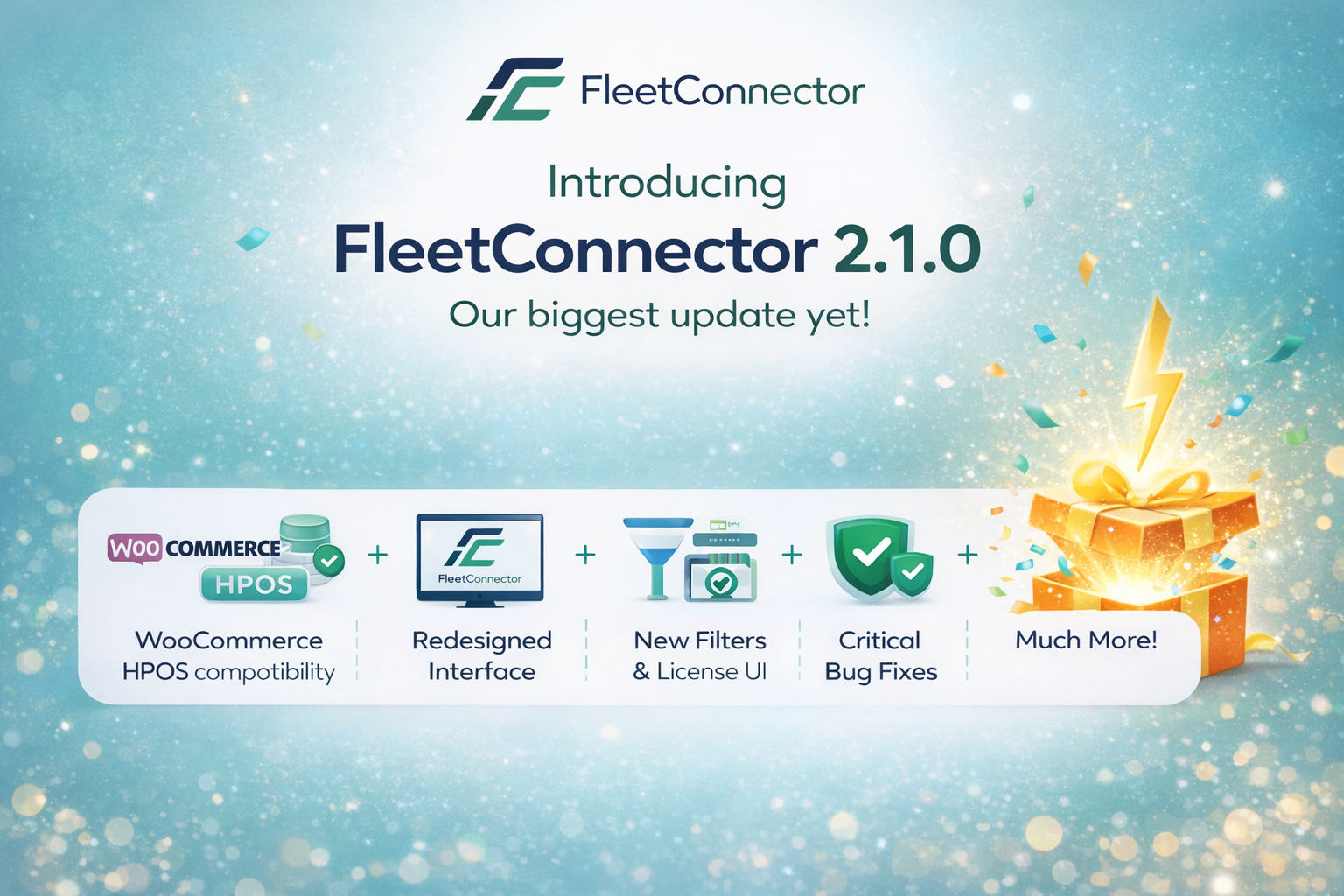
We're excited to announce FleetConnector 2.1.0, our biggest update yet. This release brings full compatibility with WooCommerce High-Performance Order Storage (HPOS), a redesigned interface, and powerful new features that make automating your WooCommerce to Onfleet delivery workflow even easier.
What's in this update?
- Full WooCommerce HPOS compatibility
- Redesigned license management UI
- New shipping filter setting
- Simplified order status indicators
- Critical bug fixes for bulk actions
WooCommerce HPOS: Why this matters for your store
WooCommerce High-Performance Order Storage (HPOS) is the new standard for order data management in WooCommerce. Instead of storing orders as custom post types in the wp_posts table, HPOS uses dedicated database tables optimized specifically for order data. This results in faster queries, better scalability, and improved performance for high-volume stores.
Starting in 2024, WooCommerce has been gradually transitioning all stores to HPOS. Many hosting providers and WooCommerce itself now recommend enabling HPOS for better performance. If your store processes more than 100 orders per day, HPOS can significantly improve your admin dashboard speed and reduce database load.
What FleetConnector 2.1.0 brings for HPOS
FleetConnector 2.1.0 is fully compatible with WooCommerce HPOS. Whether your store uses the legacy post-based storage or the new HPOS tables, FleetConnector works seamlessly:
- Bulk actions work in both modes: Select multiple orders and send them to Onfleet with one click, regardless of your storage mode.
- Status column displays correctly: The Onfleet sync status column now shows properly in the HPOS orders list.
- Order meta box fully compatible: The FleetConnector meta box on individual order pages works with HPOS order screens.
- Automatic task creation triggers properly: Status change hooks work correctly with HPOS for automatic Onfleet task creation.
Already using HPOS?
If you enabled HPOS and noticed FleetConnector bulk actions or status columns weren't working, update to version 2.1.0 immediately. All HPOS compatibility issues have been resolved.
Redesigned license management
We've completely redesigned the license management interface to provide clearer feedback about your subscription status. The new design features three distinct visual states:
Active License
Green checkmark, all features enabled
Invalid License
Red cross, renewal required
No License
Gray, activation required
This makes it immediately clear whether your license is working, needs renewal, or hasn't been activated yet. No more guessing about your subscription status.
Stop dispatching manually. Automate it.
FleetConnector syncs WooCommerce orders to your delivery platform automatically. Install in WordPress, configure in 10 minutes. €199/year, 14-day money-back guarantee.
New shipping filter: Only sync orders that need delivery
One of the most requested features is here. The new "Only sync orders that require shipping" setting lets you automatically skip orders that don't need delivery. This is perfect for stores that sell both physical and digital products, or offer local pickup alongside delivery.
When enabled, FleetConnector checks if the order contains items that require shipping. Orders with only virtual products, downloadable items, or local pickup are automatically excluded from Onfleet sync. This eliminates the need to manually filter orders or clean up unnecessary tasks in Onfleet.
Perfect for these scenarios:
- Mixed product catalogs: Sell both physical goods and digital downloads? Only physical orders create Onfleet tasks.
- Local pickup option: Customers choosing in-store pickup won't create delivery tasks.
- Gift cards and vouchers: Virtual gift card purchases are automatically excluded.
Cleaner order list with simplified status indicators
We've simplified the Onfleet status column in your WooCommerce orders list. Instead of verbose text labels, you now see clean visual indicators:
Sent to Onfleet
Not sent
This cleaner design takes up less space and makes it faster to scan your orders list. You can instantly see which orders have been synced to Onfleet and which ones haven't.
You can also now hide the status column entirely if you prefer a cleaner orders list. The new Display Settings option lets you toggle the column visibility.
Activity log management
The FleetConnector dashboard logs all sync activity for troubleshooting. Over time, these logs can accumulate. Version 2.1.0 adds a "Clear Activity Logs" button in the Danger Zone settings, allowing you to clean up old log entries when needed.
Bug fixes in this release
We've resolved several issues reported by users:
- Bulk actions missing: The "Send to Onfleet" bulk action now appears correctly in the orders dropdown.
- HPOS status column: The Onfleet status column now displays in HPOS-enabled stores.
- Auto-sync on status change: Automatic task creation now triggers correctly when order status changes.
How to update
Existing FleetConnector users with an active license can update directly from the WordPress admin:
- Go to Dashboard → Updates in WordPress
- Find FleetConnector in the plugins list
- Click Update Now
- Verify your settings are preserved after the update
The update preserves all your existing settings, field mappings, and configuration. No reconfiguration required.
New to FleetConnector?
Start automating your WooCommerce to Onfleet workflow today. Full HPOS support, unlimited orders, and 14-day money-back guarantee.
Get Started for €199/yearSetup in 10 minutes • HPOS compatible • 14-day money-back guarantee
Questions about this update?
Check our changelog for full technical details, or contact our team if you need help updating.
For a complete guide on HPOS migration and compatibility, see our WooCommerce HPOS Delivery Integration page.