Announcing WooCommerce to OptimoRoute integration: Route planning with completion status back in WooCommerce
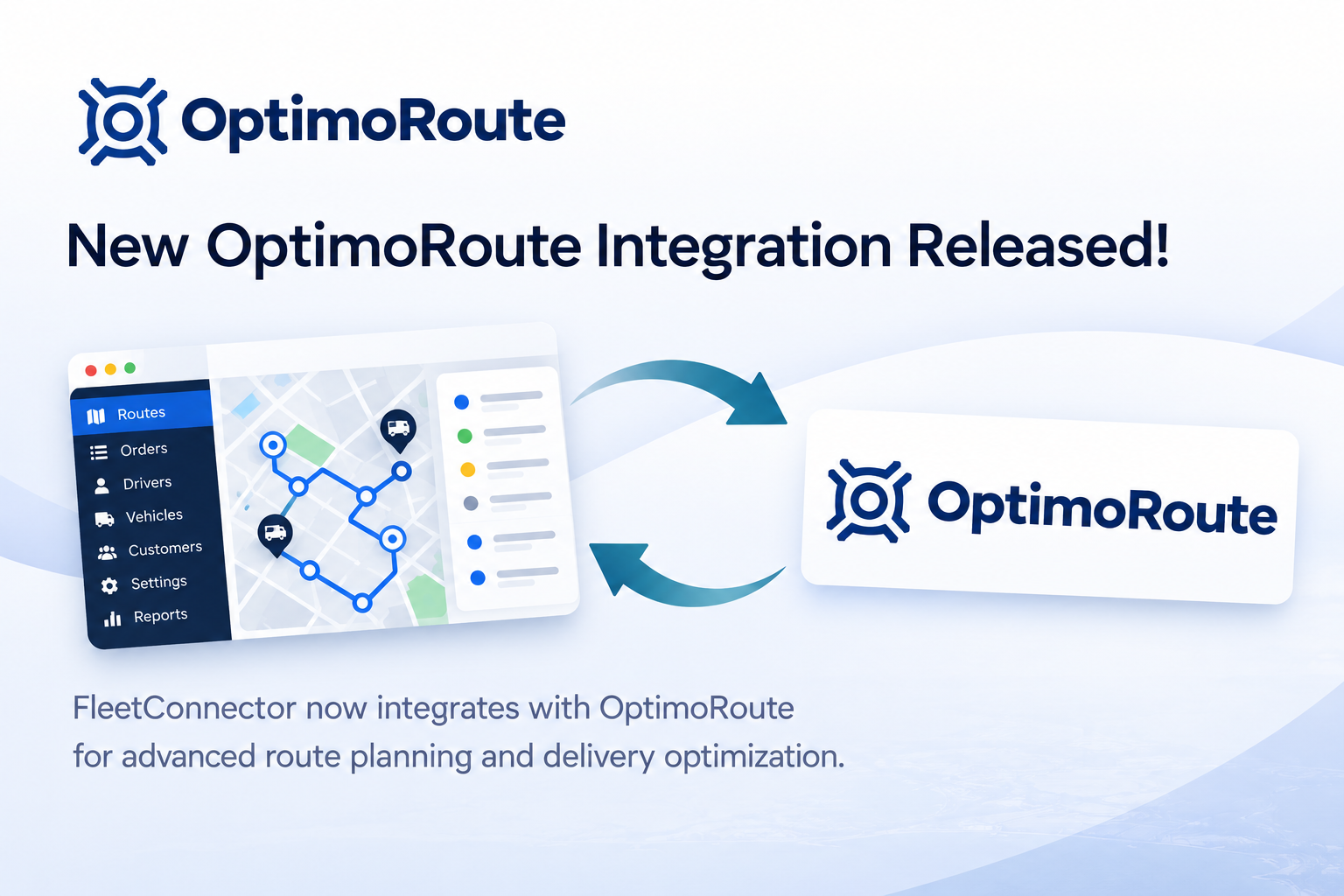
Today we're launching two new integrations at once, and this is the second one: WooCommerce to OptimoRoute. If you plan your deliveries with OptimoRoute, your WooCommerce orders now flow into OptimoRoute automatically, with the right date, time window and duration, and completion status, driver notes and proof of delivery flow back into WooCommerce.
What is OptimoRoute?
OptimoRoute is a route planning and scheduling platform that plans thousands of orders across dozens of drivers in seconds. It supports planning up to five weeks ahead, adding new orders to existing routes on the fly, workload balancing across drivers, and a driver app with proof of delivery.
Until now, OptimoRoute users running a WooCommerce store had to import orders from a spreadsheet or copy them over by hand. That changes today.
What the integration does
The WooCommerce to OptimoRoute integration is built on the official OptimoRoute Web Service API and works like our other FleetConnector integrations, with features made specifically for route planning:
- Automatic order sync: paid WooCommerce orders appear in OptimoRoute, ready to be planned
- Dates & time windows: the delivery date and time slot your customer picked become the OptimoRoute order date and time window
- Planning details: service duration, priority, load and order type (delivery, pickup or task) are configurable
- No duplicates: orders are synced idempotently, and fields your planner edited in OptimoRoute are kept when the order is updated
- Status back in WooCommerce: delivered, failed, rejected and cancelled orders are synced automatically, including driver notes, proof of delivery and the tracking link
- Bulk dispatch & manual retry: send many orders at once and retry failed ones from your dashboard
How it fits your OptimoRoute workflow
A customer places an order and picks a delivery date and time slot at checkout. As soon as the order is paid, FleetConnector sends it to OptimoRoute in the background, so your checkout stays fast. The full address including the country is sent for accurate geocoding, and partial address matches are flagged on the order so you can double-check them.
Your planner plans and dispatches routes in OptimoRoute, exactly like before. OptimoRoute doesn't use webhooks, so FleetConnector checks for driver events every few minutes, so no extra setup in OptimoRoute is required. When a driver completes, fails or rejects an order, the WooCommerce order is updated automatically, for example to "Completed" so your customer receives the familiar WooCommerce email.
Same price: €199/year
The WooCommerce to OptimoRoute integration is priced identically to all our integrations: €199 per year. This includes:
- Unlimited orders
- Unlimited drivers
- All features included
- Email support
- 14-day money-back guarantee
Stop dispatching manually. Automate it.
FleetConnector syncs WooCommerce orders to your delivery platform automatically. Install in WordPress, configure in 10 minutes. €199/year, 14-day money-back guarantee.
Note for existing customers
If you're already using FleetConnector for Onfleet, Spoke or Detrack and want to add OptimoRoute, you'll need a separate license. Each integration (Onfleet, Spoke, Detrack, Routific, OptimoRoute) requires its own license.
Getting started
You'll need an active OptimoRoute account to use this integration. Once that's in place, setting up the WooCommerce to OptimoRoute integration takes about 10 minutes:
- Purchase the WooCommerce to OptimoRoute plugin
- Upload it to your WordPress site and activate your license
- Enable the API in OptimoRoute (Administration → Settings → Account → WS API) and paste the key in the plugin settings
- Choose which order statuses to use for delivered and failed orders
- Test with a sample order
Our documentation walks you through every step, including the geocoding options and how status sync works.
Why we built this
OptimoRoute was one of the most requested integrations on our "coming soon" page. Thank you to everyone who signed up to be notified. Planners told us they love how fast OptimoRoute plans routes, but still spent time every day getting web shop orders into it.
With OptimoRoute and Routific joining Onfleet, Spoke and Detrack, FleetConnector now supports five delivery platforms. It's all part of our mission to connect any e-commerce platform to any delivery management system.
What's next
We're continuing to expand FleetConnector's platform support. On our roadmap:
- Shopify and Magento versions of our delivery integrations
- WooCommerce to Tookan, eLogii and other delivery platforms
- Additional delivery platforms based on customer demand
Need an integration we don't offer yet? We also provide custom development services for enterprise customers.
Ready to automate WooCommerce to OptimoRoute?
Eliminate manual order entry and let your team focus on what matters.
Get the WooCommerce → OptimoRoute plugin14-day money-back guarantee